Each CLP can have up to five users which can be assigned by CLP Hub Admins - so that includes Chairs, Vice Chairs, Secretaries, and Staff Organisers. Access can be given to users by these roleholders using Hub.
1. Go to the member's profile
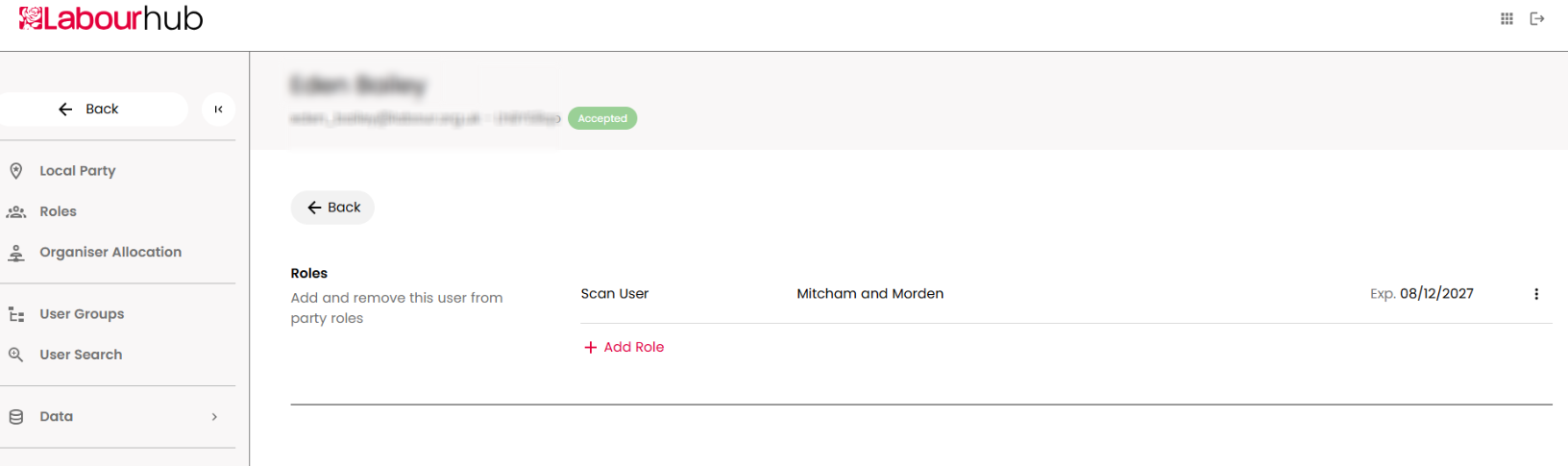
2. Select 'add role'
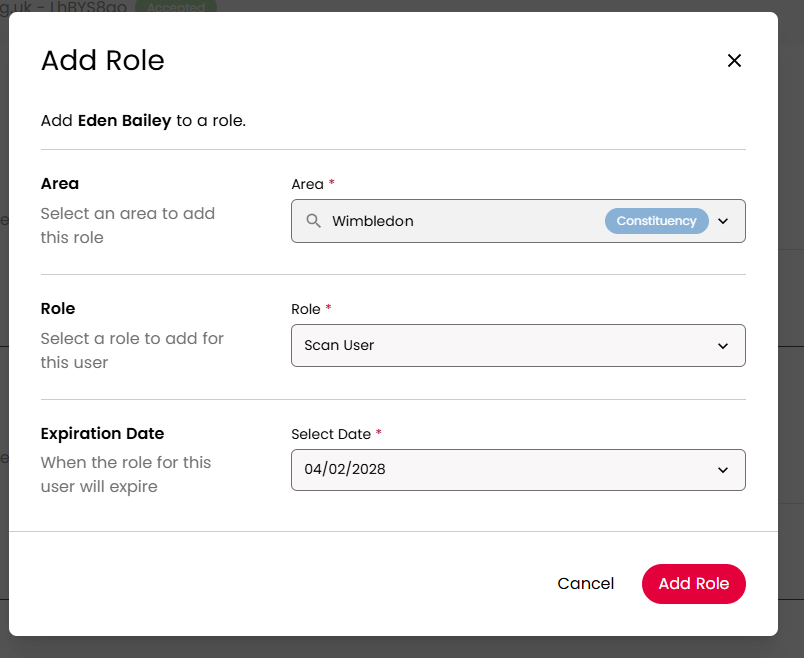
3. Choose the area (any area bigger than a ward or branch), the role 'Scan User' and the date until which the user should have access, then 'Add Role'