When you export a WARP session from Contact Creator, the app will automatically use GOTV mode logic in your session. As a general rule, if the report says 'Voter ID Sheet' at the end of the title or as the type, the app will use Voter ID mode. If the report says 'WARP Sheet' at the end of the title or as the type, the app will use GOTV mode.
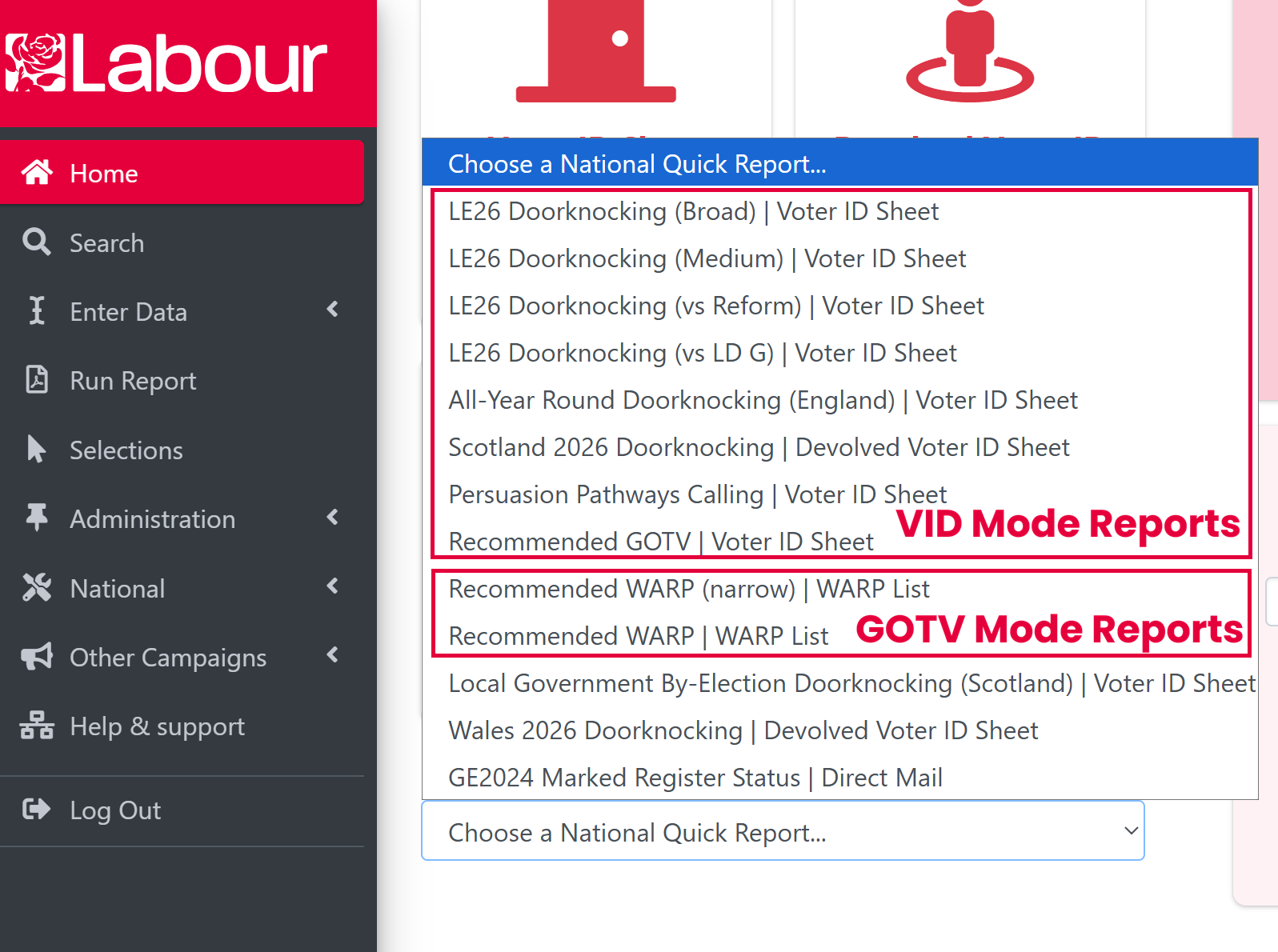
What are the main differences between Voter ID (VID) mode and GOTV mode?
| Feature | VID Mode | GOTV Mode |
| Team Management | Session creator and board runners can start and end the session | Only the session creator can start and end the session. Board runners can start and end road groups. |
| Board runners are added to all road groups automatically no matter where you add them | If added via road group, board runners are added to just that road group. If added via session, you choose which road groups to add them to | |
| Team members are not automatically removed from the session | All team members except the session creator are removed from the road group when it is ended and the session when it is ended | |
| Expiry | Expires after 72 hours | Expires after 30 days |
| Survey | General voter ID survey (questions can be customised in Contact Creator) | WARP style survey (questions cannot be customised in Contact Creator) |
| Restarting Session | After 10pm auto-completion or clicking ‘end session’, all survey answers and statuses like 'complete' or 'not in' are cleared and the session is like new | After 10pm auto-completion or by manually ending a road group or session, GOTV filtering logic applies |