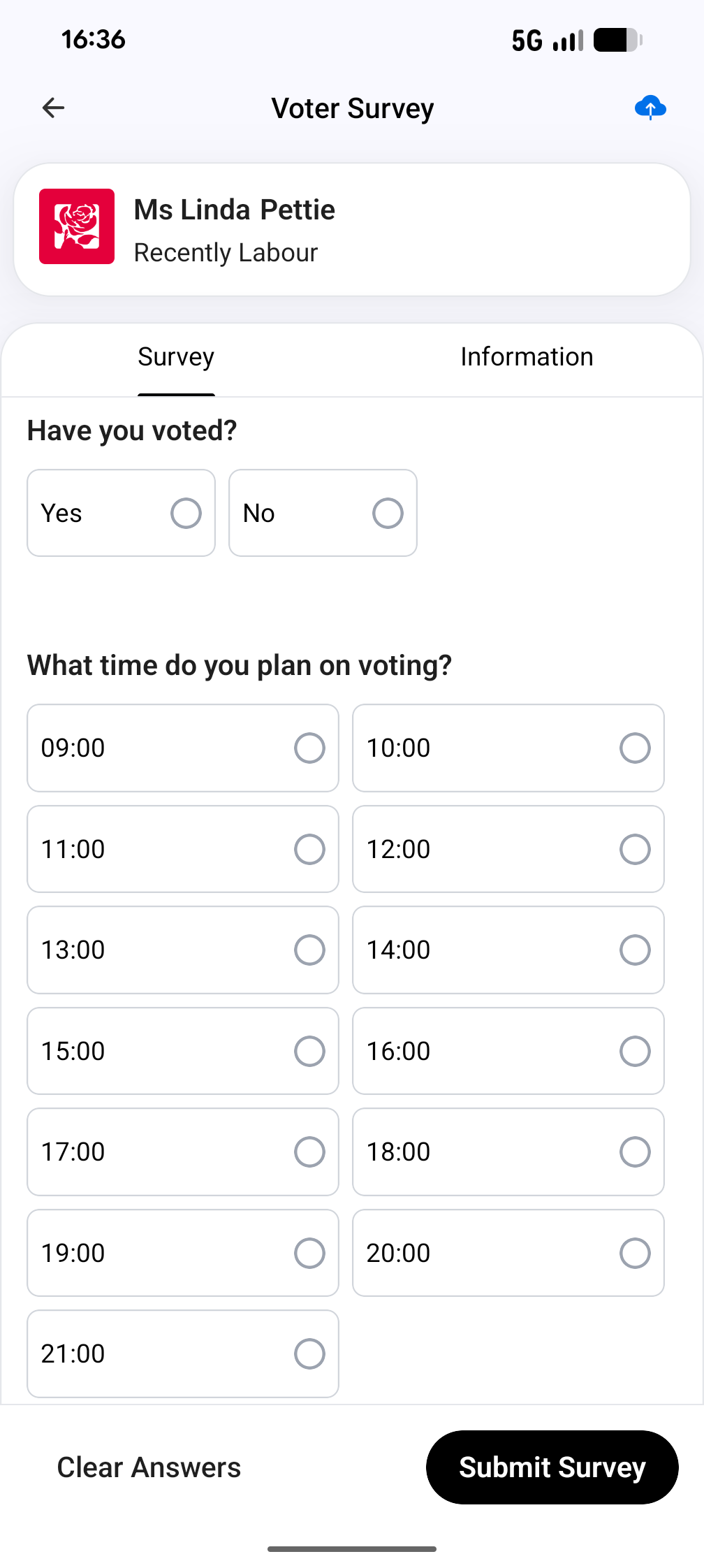
GOTV mode has been designed to allow you to use the same session multiple times for multiple knocks. Voters that you have already spoken to or have identified as not needing to be turned out will be filtered out and hidden when you restart a road group. Only the voters that you still need to speak to will be shown. Any team members who join or rejoin the session will see the latest filtered list of voters.
- Reuse the same session for multiple rounds of knocking
- Spoken to / no longer needed voters are hidden
- Restarting shows only voters still to contact
- All team members see the latest filtered list
GOTV Mode Step-by-Step
- Check out a road group & press play to start
- Add your team (or join via cover sheet QR code)
- Assign properties to team members
- Speak to voters & record data
- Track progress via property status & stats
- When finished, click ‘stop’ to check in and start filtering
- The road group is ready to be checked out by the next group/for the next knock